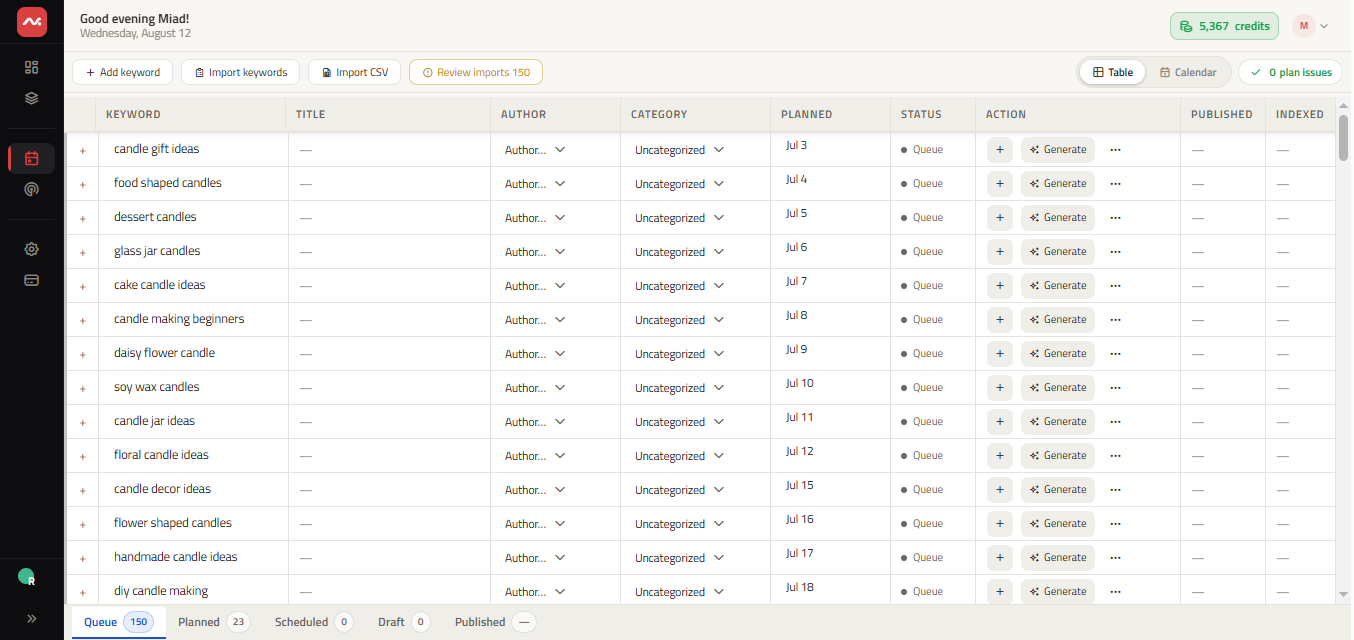
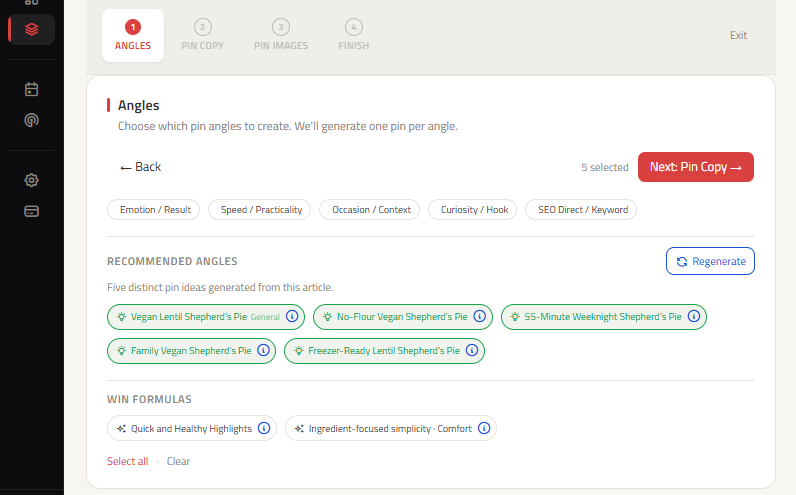
Evaluating ClickToPin vs Contai highlights the evolution from legacy Pinterest automation to modern, intelligent search workflows. ClickToPin provides Contai users with seamless import migration, upgraded Claude-backed article and pin generation, and a purpose-built Planner interface designed for long-term account safety.
Comparison table
| Feature | ClickToPin | Contai |
|---|---|---|
| Generation Quality | Multi-layered Claude Sonnet & Haiku prompt architecture | Legacy single-prompt generation |
| Pin Strategy | 5 coordinated search & psychological angles | Single pin outputs |
| Planner & Calendar | Dual-view Table & Calendar with status management | Basic list management |
| Account Safety | Stealth manual posting model | Automated background posting |
Seamless Migration for Contai Users
ClickToPin includes native compatibility for existing Contai workflows, letting you transition historical schedules and brand settings effortlessly while unlocking higher-quality copy and images.
Free Interactive Planning Resources
Explore the Modern Pinterest SEO Tool Suite
Test our free interactive utilities to see how ClickToPin upgrades your content workflow:
Frequently asked questions
Why is ClickToPin better than Contai for Pinterest traffic?
Contai used a legacy strategy of mass-producing thin articles with 1 pin each, which modern Pinterest algorithms penalize as spam. ClickToPin produces deeply optimized articles paired with ~5 distinct creative angles, spaced over time for maximum authority.
Does ClickToPin support recipe cards and structured schema?
Yes. ClickToPin natively supports recipe plugins (WP Recipe Maker), rich structured data, clean HTML formatting, and commercial affiliate layouts.