Choosing between ClickToPin vs Pin Generator comes down to whether you need a standalone graphic generator or a complete, strategic Pinterest growth workflow. While Pin Generator specializes in quickly populating Canva-style templates from URL scrapes, ClickToPin provides a unified engine for keyword research, SEO article writing, multi-angle pin copy, 2:3 vertical visuals, and paced calendar planning.
Feature comparison overview
| Capability | ClickToPin | Pin Generator |
|---|---|---|
| Workflow Scope | Full Loop: Plan, Create, Post, Learn | Visual Pin graphic generator |
| Pin Copy Formulas | 3-segment titles, 320-420 char SEO descriptions | Basic title & description extraction |
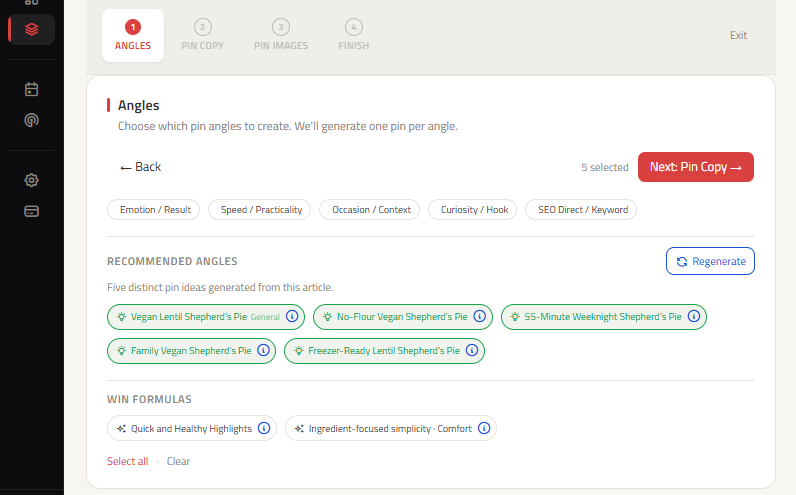
| Creative Angles | 5 distinct lanes (SEO, Benefit, Audience, Sensory, Method) | Template layout variations with identical copy |
| Editorial Calendar | Full Table & Calendar Grid with state transitions | Basic queue scheduler |
| Posting Approach | Stealth manual posting for maximum trust | Direct auto-posting API |
Key differences in pin copy strategy
Pin Generator swaps background images and fonts on identical headline copy. ClickToPin completely reimagines the message across 5 distinct psychological triggers, maximizing your chances of ranking in different search verticals and capturing different buyer personas.
Free Interactive Planning Resources
Test Our Free Pinterest SEO & Copy Generators
Experience how ClickToPin structures high-converting pin headlines, descriptions, and safe-zones:
Frequently asked questions
How is ClickToPin different from Pin Generator?
While Pin Generator focuses on automated graphic templates from URLs, ClickToPin is an end-to-end Pinterest content engine providing live keyword research (Radar), native SEO article generation, 5-angle psychological pin copy, and a stealth manual posting calendar.
Does ClickToPin generate custom AI images for pins?
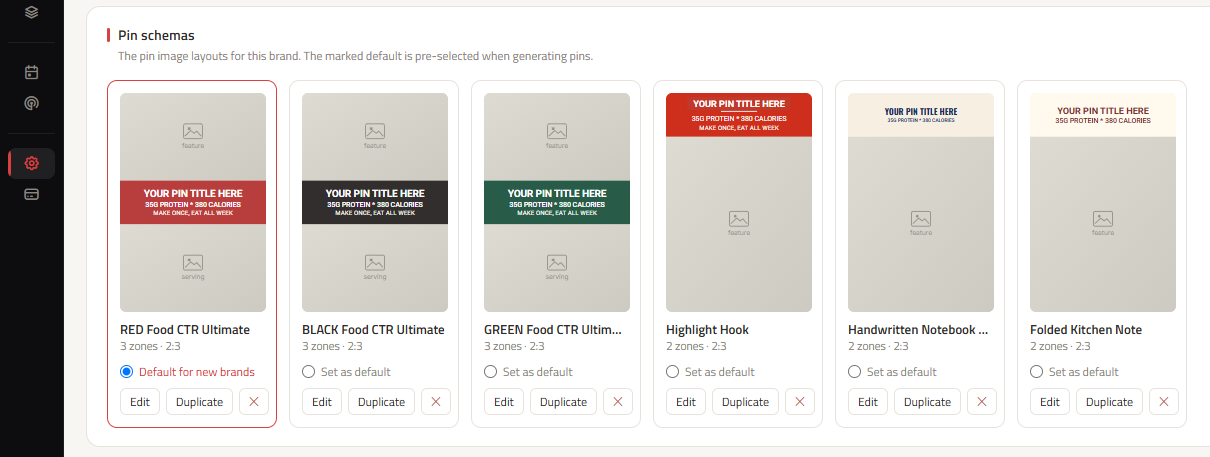
Yes. ClickToPin generates custom vertical 2:3 imagery with built-in safe zones for headline text overlays and brand domains, avoiding repetitive canned templates.
Why does ClickToPin recommend manual posting over bulk automation?
Automated mass-posting via third-party APIs can trigger Pinterest spam filters and reduce feed reach. ClickToPin organizes your pins into a daily Today queue for fast, safe manual distribution.